blog · Nov 27, 2026 · Read · 13 min
DesignFiles vs Programa Software Review 2026: 7 Key Differences

Last Updated: November 26, 2026
Quick Summary
DesignFiles vs Programa is a comparison between two visual-first interior design tools that handle client-facing work well but leave deeper back-office functions thin. DesignFiles starts at $55 per month and Programa at $71 per month, according to Studio Designer's 2026 software comparison, and both carry lighter accounting and project-organization layers than studios running complex procurement usually need.
DesignFiles leans presentation-led and e-design, while Programa leans schedule-first around schedules and purchase orders.
Neither tool offers native accounting, so studios often run a second system for the operational half.
DesignFiles falls short on project timelines, simultaneous time tracking, project accounting, and purchase-order-to-ledger workflows.
Programa falls short on native accounting and on the presentation polish that wins e-design work.
Craft & Build is aimed at single designers and small studios of one to twenty people.
Still choosing between DesignFiles and Programa?Craft & Build pairs studio project software with design courses and CAD assets in one platform.
Compare Craft & Build
Table of Contents
How does DesignFiles vs Programa compare in 2026?
Pricing and Total Cost of Ownership
Core Features: Interior Design Project Management Software ComparedScheduling, Timelines, and Task Tracking
Proposals, Estimates, and Invoicing
Choosing the Best Interior Design Software for BusinessVisual-First vs Schedule-First Workflows
Interior Design Studio Workflow Software: A Side-by-Side Walkthrough
Data Portability, Migration, and Collaboration Permissions
Where DesignFiles and Programa Fall Short
Evaluating Craft & Build for Your Studio
Frequently Asked Questions
How does DesignFiles vs Programa compare in 2026?
DesignFiles vs Programa is a comparison between two visual-first interior design tools that handle client-facing work well but leave deeper back-office functions thin. Readers who want to widen the comparison can review our DesignFiles alternatives guide. DesignFiles starts at $55 per month and Programa at $71 per month, according to Studio Designer's 2026 software comparison, and both carry lighter accounting and project-organization layers than studios running complex procurement usually need.
The real split shows up in how each tool expects your studio to work. DesignFiles leans on presentation-led and e-design workflows, where mood boards and client proposals drive the project. Programa leans schedule-first, built around schedules and purchase orders. Pick the wrong side of that divide and you spend the first month fighting the software instead of using it.
At Craft & Build, we have spent years on the construction and furniture side of this industry, and we have watched designers buy tools that solve the pretty half of the job while the operational half stays in spreadsheets. Below, we break down pricing, features, workflow fit, and migration so you can decide which of these two actually matches your studio.
Here is the headline comparison between the two tools as the article lays it out.
Item
DesignFiles
Programa
Starting price
$55 per month
$71 per month
Workflow model
Presentation-led and e-design
Schedule-first
Core strength
Mood boards and client proposals
Schedules and purchase orders
Back-office depth
Lighter accounting and project organization
Lighter accounting and project organization
Native accounting
None
None
Best fit
Studios selling the concept first
Studios living by install calendar and purchase order
Pricing and Total Cost of Ownership
The headline prices are $55 per month for DesignFiles and $71 per month for Programa, per Studio Designer's 2026 software comparison. Neither figure tells you what you will actually pay once your studio grows, because both tools gate the operational features behind higher tiers and per-seat charges.
Total cost of ownership in interior design software comes down to four things: per-user pricing, plan-level feature limits, payment processing and add-on fees, and the hours your team loses to workarounds. A cheaper subscription that forces you back into spreadsheets for purchase orders is not cheaper.
Here is how to calculate it honestly, plan by plan:
List the tier that actually includes the features you need, proposals, purchase orders, client portal, and time tracking are rarely all on the entry plan
Multiply that tier's price across every seat, including part-time designers and studio assistants who need edit access
Add any payment processing fees on client invoices, which vary by provider and are usually passed to you
Add add-on modules or integrations you will need for accounting, scheduling, or procurement
Estimate hours per week spent on manual work the tool does not cover, and multiply by your blended hourly rate
Add migration and onboarding time, then compare the total against a tool that covers the full workflow
A common pattern is that studios compare entry-tier prices, sign up, then discover the feature they bought the tool for sits one or two tiers higher. Before you commit, ask each vendor three questions: which tier includes purchase orders and client portals, what happens to your price when you add a seat mid-project, and whether annual billing locks you in or discounts the monthly rate.
Watch out: the most common mistake is comparing sticker prices between a presentation tool and a full studio platform. They are not the same purchase, and the gap usually shows up in unbilled admin time and upgrade costs rather than the invoice.
Core Features: Interior Design Project Management Software Compared
Interior design project management software splits into two families: tools built around visuals and tools built around operations. DesignFiles handles proposals and invoicing but may not suit studios needing project accounting, time billing, or purchase-order-to-ledger workflows, according to Rankite's 2026 project management comparison.
For a deeper feature-by-feature evaluation, our buyer's guide to interior design project management software walks through briefs, specs, approvals, procurement, and scheduling in detail.
Scheduling, Timelines, and Task Tracking
Scheduling is where these two tools separate fastest. Programa is described as a strong option for schedule-first workflows, per Atelier's 2026 Programa alternatives guide, which makes it the better fit for studios running multiple installs with overlapping lead times.
Proposals, Estimates, and Invoicing
The practical question is whether you want your money conversation to start with a beautiful proposal or a purchase order. Answer that and the choice gets simpler.
Choosing the Best Interior Design Software for Business
The best interior design software for business is the one that matches your studio's operating model, not the one with the longest feature list. A two-person e-design practice and a fifteen-person firm with a procurement manager need different tools.
Small firms weighing whether a Programa alternative exists that fits their size can read our breakdown of whether there is a Programa alternative built for small design firms.
Visual-First vs Schedule-First Workflows
Visual-first workflows start with the client presentation: mood boards, concept boards, and e-design packages. DesignFiles fits this model closely.
Schedule-first workflows start with the project calendar and the procurement chain. Programa fits this model, and studios that live in Gantt charts will feel the difference immediately.
Most studios are a blend, but one side dominates. Identify yours before you buy.
Interior Design Studio Workflow Software: A Side-by-Side Walkthrough
Most comparisons summarize features. This one runs the same sample project through both tools so you can see where each one starts, what it hands off, and where it breaks. Take a three-room residential project with a sofa, two accent chairs, a rug, and a custom console, from client intake through installation.
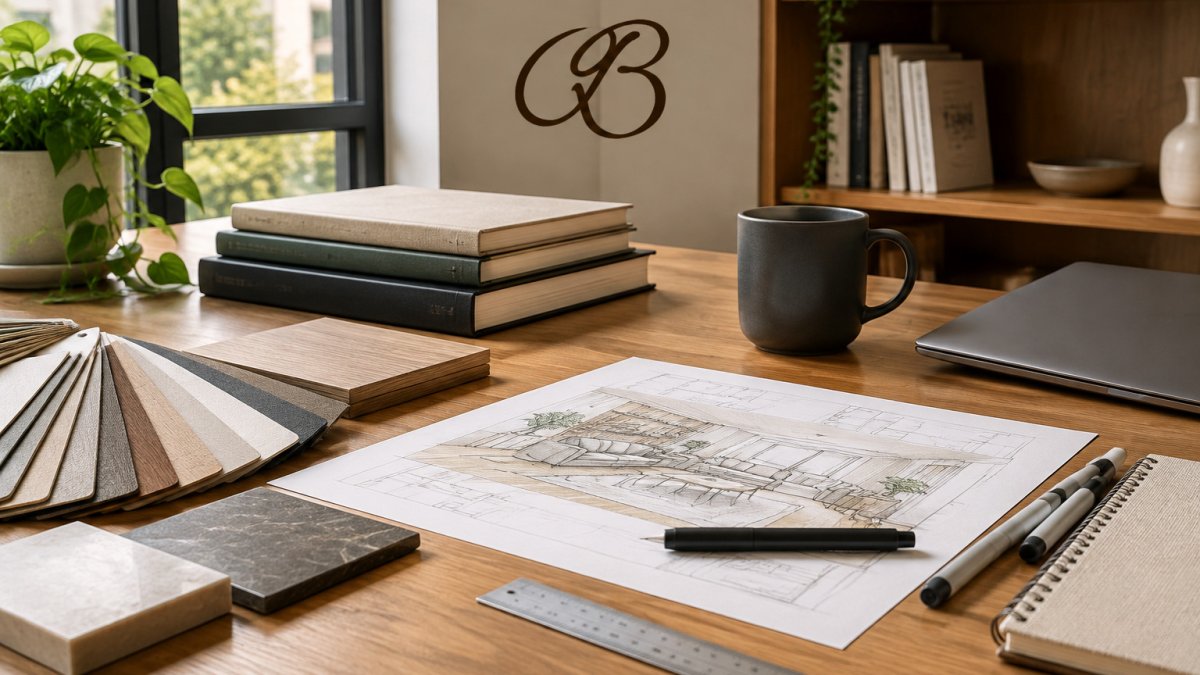
Interior designer comparing DesignFiles vs Programa workflows on a desk with fabric swatches and floor plans
Step 1, Client intake and brief. In DesignFiles, you create the project and capture the client brief alongside the visual concept, so the brief and the mood board live in the same record. In Programa, you create the project and build the schedule and task list first, then attach the brief. The difference: DesignFiles starts with the client-facing story, Programa starts with the operational plan.
Step 2, Concept and product selection. In DesignFiles, you build the concept board, drop in product selections from the catalog, and the selections carry through to the proposal. In Programa, you add products to the schedule and attach purchase orders to each line item. The difference: DesignFiles treats the product as a presentation element, Programa treats it as a procurement line.
Step 3, Client approval. In DesignFiles, you generate the proposal from the approved board and send it for sign-off, and invoicing follows from the same record. In Programa, approval typically runs through the schedule and purchase order flow rather than a visual board. The difference: the client sees a polished concept in DesignFiles and a structured order in Programa.
Step 4, Procurement and lead times. In Programa, you track the console's lead time against the install date in the same schedule view, which is the tool's core strength. In DesignFiles, you can track the order but cannot easily see the console's lead time against the install date in the same view, so most studios keep a separate schedule. The difference: Programa keeps procurement and timeline together, DesignFiles splits them.
Step 5, Installation and handover. In Programa, the install window sits on the schedule with the delivery dates, so the crew works from one view. In DesignFiles, the install is tracked but the operational handoff usually moves to email or a spreadsheet. The difference: Programa closes the loop, DesignFiles hands it off.
Neither walkthrough is wrong. They just start in different places, and the starting place determines what your team does every morning. If your studio sells the concept first and manages procurement second, DesignFiles fits the front of the project. If your studio lives by the install calendar and the purchase order, Programa fits the back. Studios that need both in one system are the ones most likely to end up running a second tool, which is exactly the gap the next section covers.
Data Portability, Migration, and Collaboration Permissions
Migration is the question almost nobody asks before signing up, and it is the one that costs the most when you switch later. Ask three things of any vendor: can I export my product library, can I export project files in a usable format, and what happens to my data if I cancel.
Data portability matters most for your product library and vendor records. Those take years to build, and a tool that traps them has you locked in regardless of price.
Collaboration permissions are the second gap. Studios need tiered access: designers editing specs, junior staff viewing but not approving, clients seeing only their own project through a client portal. Confirm the permission levels each tool offers before you commit your team.
Watch out: a client portal that exposes internal cost data to the client is a real risk. Test the client view yourself before your first live project.
Where DesignFiles and Programa Fall Short
Both tools are visual-first with lighter back-office features and no native accounting, per Studio Designer's 2026 comparison. That single sentence explains most of the frustration designers report after a year of use.
DesignFiles falls short on project timelines, simultaneous time tracking, project accounting, and purchase-order-to-ledger workflows. Programa falls short on native accounting and on the presentation polish that wins e-design work.
The pattern is consistent: you end up running a second system for the operational half of the studio. That second system is usually a spreadsheet, and spreadsheets do not scale past a handful of concurrent projects.
This is the gap Craft & Build was built to close. Craft & Build pairs CB Studio, project software for interior design studios, with master-level interior design courses and precision 3D CAD assets, so the design work and the operational work live in one place. At Craft & Build, we bring years of experience across carpentry, building construction and engineering, and furniture design and manufacturing, and the software is built around how customers already work.
Evaluating Craft & Build for Your Studio
If you are evaluating Craft & Build, start with fit rather than features. The software is aimed at single designers and small studios of one to twenty people, with a focus on time saving and ease of use without a long learning curve.
The workflow runs from the first client brief through all processes of a project, so the handoff between design, procurement, and handover stays in one system. Designers click on a choice instead of writing prompts, and the software updates automatically to follow the newest AI abilities.
Before you commit to any platform, check two things: that the supplier understands the challenges your studio actually faces, and that the product covers your specific operation end to end. Craft & Build's software and courses are built on over 40 years of experience in the business, and the team applies its own maker experience to what it builds and teaches. If you want to sharpen the design side of your practice alongside the software, the Craft & Build courses cover the craft skills that sit behind the tools.
You can see the full workflow and start a free trial on the Craft & Build studio platform.
The real test is not which tool has more features. It is which one lets your team finish a project without opening a spreadsheet. If that sounds like the problem you are trying to solve, Craft & Build pairs project software with master-level courses and precision CAD assets so the design and the admin stay together. Get started with Craft & Build and run your next project from brief to handover in one place.
Frequently Asked Questions
What is the difference between DesignFiles and Programa?
DesignFiles is built around visual boards, mood boards, and client presentations, making it a strong fit for presentation-led and e-design workflows. Programa takes a schedule-first approach, with deeper support for project scheduling, purchase orders, and procurement tracking. Both are described as visual-first tools with lighter back-office features and no native accounting, so studios needing full financial management should check plan limits carefully before committing.
Which is better for interior designers: DesignFiles or Programa?
It depends on your studio's operational needs. DesignFiles suits designers who prioritize client-facing visuals and proposals. Programa supports schedules and purchase orders. Studios focused on project accounting, time billing, or purchase-order-to-ledger workflows may find both platforms lighter than expected and should evaluate dedicated interior design project management software.
What features should interior designers compare when choosing software?
Compare project scheduling, task management, floor planning, mood boards, client presentations, product sourcing, proposals, estimates, invoicing, and budget tracking. Check whether the platform offers team collaboration permissions and integrations with the tools your studio uses. Also review subscription pricing, per-user costs, free trial terms, and data portability. For studios managing procurement, confirm purchase orders and vendor management are included rather than add-ons.
How should an interior design studio evaluate software before choosing it?
Start with a side-by-side walkthrough using the same sample project across each platform. Test how the tool handles a client brief, schedule, mood board, and invoice from start to finish. Review independent user reviews and ratings, confirm plan-level feature limits, and ask about migration support for existing project files. Check that the supplier offers the right kind of support for your studio's challenges, and confirm the product fully covers your specific operation before committing.
Add craftnbuild.com as a preferred source on Google →
Written by Morten Skipper