how-to · Nov 10, 2026 · Read · 7 min
Can Automating Client Communication for Interior Designers Work?

Last Updated: November 8, 2026
Quick Summary
Automating client communication for interior designers works when a defined system handles routine messages like status updates, reminders, and approval chases, while you keep the personal details. Start with four templates, then build sequences in order: onboarding, reminders, updates, approvals, and handover.
Build four templates first: welcome email, kickoff recap, weekly update, and feedback request.
Set up core sequences in order: onboarding, reminders, updates, approvals, then handover.
Send appointment reminders 24 hours before each site visit or presentation.
Follow up on a feedback request once, politely, after three days.
Pause automated updates in weeks when nothing moved and send a short personal note instead.
Still writing the same client email twice?Craft & Build pairs studio project software with design courses and CAD assets.
Build Your Studio Workflow
Table of Contents
Why Automating Client Communication for Interior Designers Saves Time
Interior Design Client Communication Templates to Build First
Setting Up Automated Email Sequences for Interior Designers
Writing Interior Design Project Update Emails That Feel Personal
Frequently Asked Questions
Why Automating Client Communication for Interior Designers Saves Time
Automating client communication for interior designers works best when it handles the routine and protects the personal. Studios often lose hours every week to status emails, reminder notes, and approval chasers. Those tasks repeat, so a system should own them.
Here is the throughline for this guide: automation is not about sending more messages. It is about sending the right message at the right moment, so your creative time stays untouched.
Client communication is the full set of exchanges between a studio and its client, from the first enquiry to the final handover. When those exchanges run on a defined system, nothing slips.
Time spent rewriting the same update email repeatedly can be redirected to drawings, sourcing, and site visits when routine messages run on a defined workflow.
If admin is eating your week, our guide on how to cut administrative time in your design studio walks through the wider workflow.
Interior Design Client Communication Templates to Build First
Start with four templates. These cover most of the repetitive contact in any interior design project, and each one is short enough to personalise in under a minute.
Welcome email: sets expectations, timelines, and how you will communicate.
Kickoff recap: confirms scope, budget bands, and decision-makers after the first call.
Weekly project update: a fixed structure for status, next steps, and what you need.
Feedback request: a clear ask with a deadline and a simple way to respond.
Build them as fill-in-the-blank drafts, not finished letters. A template that reads like a form letter defeats the point. Leave a line for one specific detail from the project, and write it fresh each time.
Two more templates earn their place later: the appointment reminder and the approval chase. Add those once the first four are running smoothly.
Setting Up Automated Email Sequences for Interior Designers
An automated email sequence for interior designers is a set of pre-written messages that send on a trigger, such as a signed proposal or a scheduled date. The sequence handles timing. You handle the content that needs a human voice. That same balance between reliable timing and a human voice matters in automated quote follow-up, where a thoughtful message can keep the conversation moving without making it feel scripted.
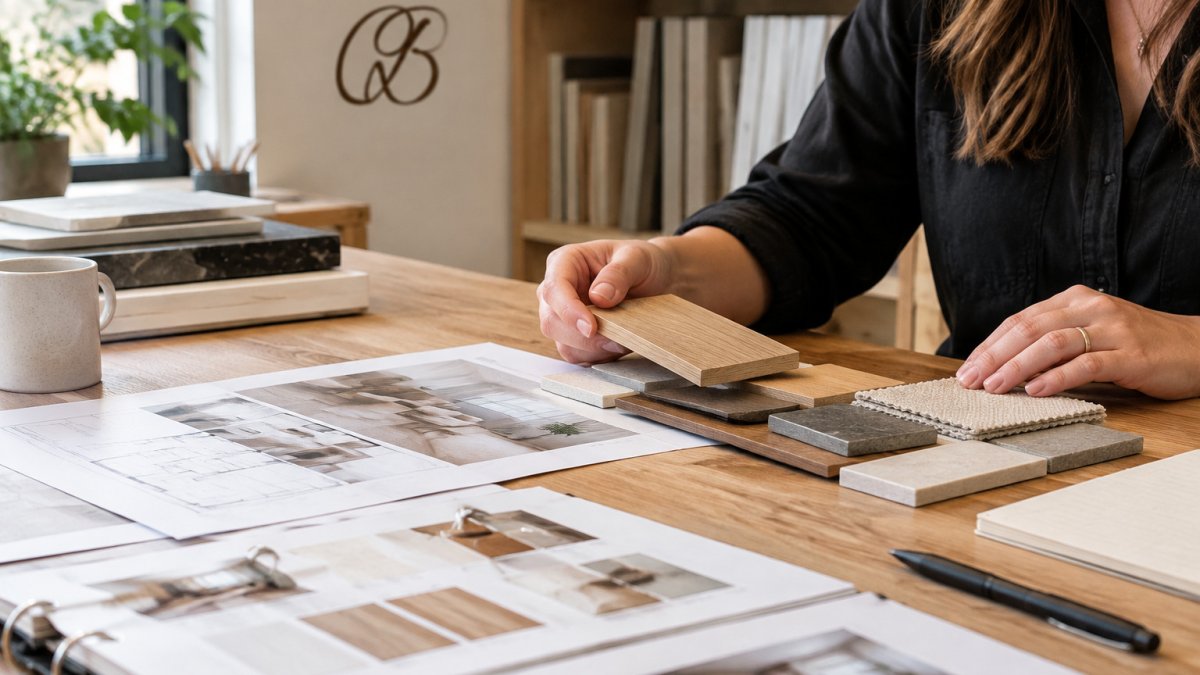
Interior designer reviewing automated email sequences for client communication at a sunlit studio desk.
Set up the core sequences in this order:
Onboarding: welcome email, then a kickoff recap two days later.
Reminders: appointment reminders 24 hours before each site visit or presentation.
Updates: a weekly status email on a fixed day, so clients learn the rhythm.
Approvals: a feedback request, then one polite follow-up after three days.
Handover: a closing sequence with care notes and a review request.
Test each sequence on your own address first. Check the timing, the tone, and every merged field. A wrong name in an automated welcome email undoes the goodwill the sequence was meant to build.
This is where the tooling matters. The Craft & Build platform combines project management software with master-level interior design courses and precision 3D CAD assets. Those who want to learn workflow setup can explore the Craft & Build courses.
Here is the order in which to build the core sequences, with the timing each one uses.
Sequence
What it sends
Timing
Onboarding
Welcome email, then kickoff recap
Kickoff recap two days later
Reminders
Appointment reminders
24 hours before each site visit or presentation
Updates
Weekly status email
Fixed day each week
Approvals
Feedback request, then one polite follow-up
Follow-up after three days
Handover
Closing sequence with care notes and review request
At project close
Writing Interior Design Project Update Emails That Feel Personal
The update email is the one clients judge you on. Get it right and trust builds without a single extra meeting.
Use a fixed shape, then vary the words:
Open with one line about their project specifically.
Give status in plain terms: done, in progress, waiting on.
Name the one thing you need from them, with a date.
Close with what happens next and when they will hear from you.
The trick is the first line. Pull one real detail from the week, such as a fabric that arrived or a sample you rejected. That single sentence is what makes an automated update feel written by a person.
Watch out: do not let a sequence send an update on a week when nothing moved. Pause it and send a short personal note instead. A cheerful automated "all on track" during a delay reads as careless.
As studios grow, this discipline is what makes scale possible. Our article on how to scale an interior design business covers the wider systems behind it.
Automating client communication only pays off when the system fits how your studio actually works. That is the problem we built Craft & Build to solve: project software, master-level courses, and precision 3D CAD assets in one place, so your team spends less time on admin and more on the work clients hired you for. Get started with Craft & Build and give your studio a communication system that keeps the personal touch.
Frequently Asked Questions
How can interior designers automate client communication without making it feel impersonal?
Automate the routine parts and keep the personal parts human. Welcome emails, appointment reminders, status updates, and feedback requests can run from templates and sequences, while design decisions, concerns, and approvals stay as a direct conversation. Add the client's name, reference their specific room or project stage, and set a rule that any reply containing a question or complaint routes to you within one working day. The client experiences faster response times and fewer silences, not a colder relationship.
What should an interior design client onboarding email include?
Cover the essentials in one message: a warm welcome, the project scope and timeline, who to contact and how, your communication channel and expected response time, a link to the client portal, and the first action you need from them. Attach or link your welcome pack and payment schedule. Sending this automatically the moment a proposal is signed sets expectations early and cuts the back-and-forth that otherwise eats into your creative work.
How often should interior designers send project update emails?
Match the cadence to the project stage. Weekly updates suit active design and build phases; fortnightly works during procurement and lead times. Trigger an update automatically whenever a milestone completes, an order ships, or a delivery date shifts. Consistency matters more than length, a short status update with three bullet points and one next step keeps clients calm. Build the schedule into your email sequence so it runs without you remembering.
Add craftnbuild.com as a preferred source on Google →
Written by Morten Skipper