comparison · Oct 31, 2026 · Read · 4 min
The Best Studio Designer Alternative for Advanced 3D Integration
Last Updated: October 28, 2026
Quick Summary
The best Studio Designer alternative for professional studios that need advanced 3D modeling integration is CB Studio, which builds and edits the room model in-app with no export round-trips. It also generates accurate floor plans from the model and updates specs and BOMs automatically from design changes.
Evaluate a Studio Designer alternative by how it supports project management and 3D work.
3D design software creates a digital representation of an object, while CAD covers 2D drawings and 3D models.
Integrated platforms build and edit the room model in-app, avoiding export round-trips.
Floor planning should generate accurate plans from the model for one version of the truth.
Specs and BOMs should update automatically from design changes to reduce order errors.
Table of Contents
What Professional Studios Need From a Studio Designer Alternative
Interior Design Project Management Software With Native 3D Modeling
3D CAD Assets for Interior Design and the Workflow Around Them
Frequently Asked Questions
What Professional Studios Need From a Studio Designer Alternative
A Studio Designer alternative for professional studios can be evaluated by how it supports project management and 3D work.
Before you migrate, assess whether the platform's capabilities fit your studio's workflow.
Autodesk's overview of 3D design software draws the distinction that matters: 3D design software creates a digital representation of an object, while CAD covers both 2D drawings and 3D models. Studios need both in one workflow.
Explore CB Studio or purchase CB Studio once the fit is clear.
Interior Design Project Management Software With Native 3D Modeling
Interior design project management software can be evaluated for how it supports project workflows.
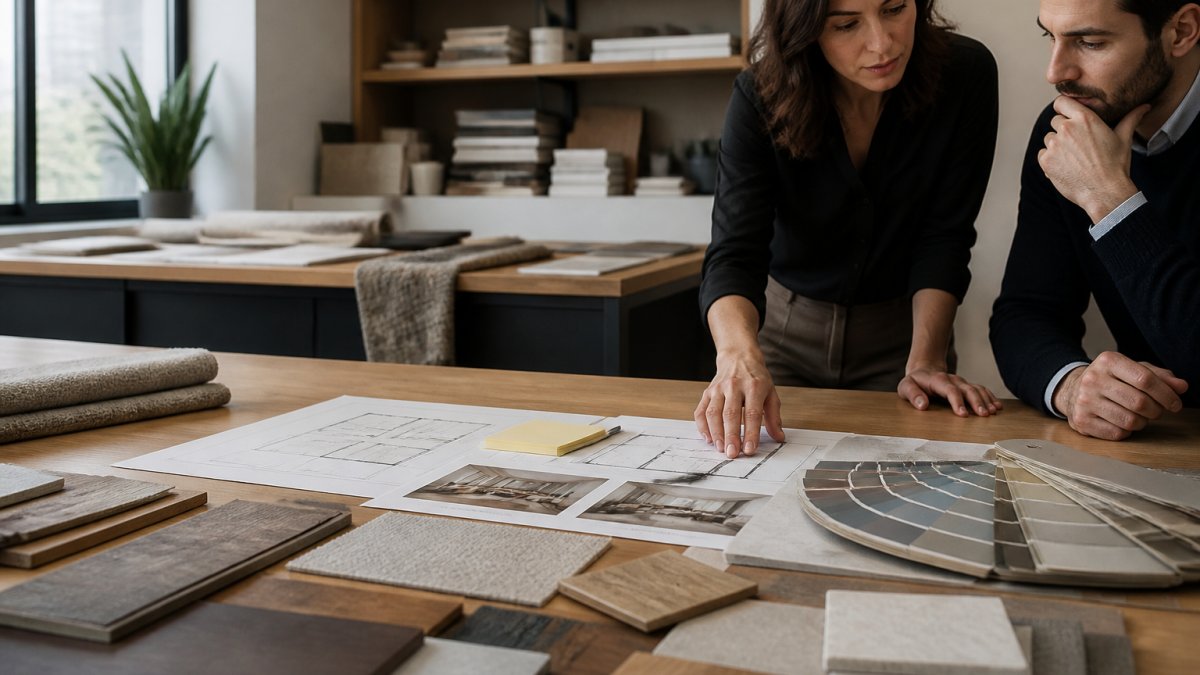
Interior designer using a Studio Designer alternative to review a 3D room model on a monitor in a bright studio
What separates a genuine integrated platform from a tracker with pictures:
Capability
What It Should Do
Why It Matters
3D modeling
Build and edit the room model in-app
No export round-trips
Floor planning
Generate accurate plans from the model
One version of the truth
Spec and BOM
Update automatically from design changes
Fewer order errors
Maxon's guide to 3D modeling software makes the point that the right tool depends on discipline and workflow, not a single ranking.
Get Started Today →
See the CB Studio project software, and for the wider category, read our guide to interior design project software.
3D CAD Assets for Interior Design and the Workflow Around Them
Craft & Build provides precision 3D CAD assets for interior design. Evaluate whether the available assets fit your project needs.
Springer's research on technology-enhanced design studio teaching describes blended approaches to design education, a reminder that asset libraries and training belong together.
Browse the 3D CAD asset library to judge the range and precision for yourself.
Frequently Asked Questions
What is the best alternative to Studio Designer for interior design studios?
The right Studio Designer alternative depends on how much 3D work your studio handles. Craft & Build pairs project software for interior design studios with precision 3D CAD assets and master-level interior design courses.
Which interior design software combines project management with 3D modeling?
Craft & Build pairs project software for interior design studios with precision 3D CAD assets in CB Studio.
Can Studio Designer integrate with 3D modeling software?
Integration depth varies and is rarely native. Many studios run a separate 3D tool and re-enter data, which adds time and errors. Ask vendors directly about import and export formats, whether revisions sync, and how client approvals flow back. If integration is shallow, a unified platform with built-in 3D CAD assets may save more time than stitching tools together, especially for teams handling multiple projects at once.
The harder question is not which tool has the longest feature list, but whether your studio can move a project from concept to install without re-entering data. Craft & Build pairs CB Studio's project software with master-level interior design courses through CB Courses, plus precision 3D CAD assets built for interior work. Get started with Craft & Build and run design, documentation, and procurement from one record.
Get Started Today
Add craftnbuild.com as a preferred source on Google →
Written by Morten Skipper