how-to · Nov 07, 2026 · Read · 8 min
7 Steps to Cut Administrative Time in Your Design Studio

Quick Summary
To reduce administrative time in your design studio, first audit where hours go by logging every task in 15-minute increments for one normal week. Then sort entries into fixed admin categories, calculate a baseline, and automate repetitive tasks like approval reminders and invoicing. Repeat the audit after changes to confirm admin hours have dropped.
Log every task in 15-minute increments during a normal week, not a launch or crisis week.
Use one shared set of admin categories so numbers compare week to week.
Automate high-frequency, low-judgment tasks such as approval reminders and file renaming first.
Keep human review for client-facing decisions, final specifications, and financial or contractual matters.
Compare admin hours and turnaround time against your baseline after four to six weeks.
Table of Contents
How to Audit Administrative Time in Your Design BusinessStep 1: Pick a normal week and log at the task level
Step 2: Sort every entry into admin categories
Step 3: Calculate your baseline
Step 4: Flag the tasks worth attacking first
Step 5: Repeat the audit after changes
How to Automate Administrative Tasks in a Design BusinessWorkflow 1: Client intake and project setup
Workflow 2: Approval and feedback reminders
Workflow 3: Time tracking and invoicing
Workflow 4: Project handoffs and file management
Workflow 5: Supplier and specification follow-ups
Trade-offs and safeguards
Measuring whether automation worked
Booking Your First Admin Audit With Craft & Build
Frequently Asked Questions
How to Cut Administrative Time in Your Design Studio
Last Updated: November 6, 2026
How to Audit Administrative Time in Your Design Business
Administrative work quietly eats your design hours. Breeze reports that 82% of employees have no structured time-management system, and about half the workday can go to low-value tasks (Breeze time-tracking statistics). At Craft & Build, we see the same pattern in studios: the hours disappear before anyone notices. The fix is to measure them first with a repeatable audit you can run again after changes.
Step 1: Pick a normal week and log at the task level
Choose a week without a major launch, holiday, or client crisis. Ask every designer, project manager, and studio lead to log time in 15-minute increments against named tasks, "revised lighting plan for client B," not "design work."
Step 2: Sort every entry into admin categories
Use the same category set across the studio so numbers compare week to week:
Client communication: emails, calls, revision requests, status updates, feedback chasing
Proposals and scope: proposals, scope revisions, contracts, change orders
Scheduling and coordination: calendars, site visits, trades, internal handoffs
Specifications and BOMs: sourcing lists, quantity checks, supplier follow-ups
Documentation and files: file organization, approvals, invoices, archiving
Internal meetings: standups, reviews, non-billable coordination calls
Cella recommends tagging non-project time by category rather than treating it all as one block (Cella on administrative time in creative agencies). Over 40% of workers surveyed spend at least a quarter of their week on manual, repetitive tasks, according to UseCarly (UseCarly time management statistics). Your audit will show which categories are largest.
Step 3: Calculate your baseline
For each category, add the logged hours and divide by the number of people who tracked to get average admin hours per person per week. Note admin hours as a share of total logged hours and project hours as a share of total, and write these down with the date, they are your baseline.
Step 4: Flag the tasks worth attacking first
Sort tasks within each category by frequency and judgment required. Once those candidates are automated and the judgment-heavy work is assigned a clearer process or owner, you can reduce daily administrative tasks without adding unnecessary software.
Watch out: estimating admin time from memory instead of logging it live undercounts interruptions and overcounts planned work, so you optimize the wrong tasks.
Step 5: Repeat the audit after changes
Watch out: estimating administrative time from memory instead of logging it live undercounts interruptions and overcounts planned work, so you optimize the wrong tasks.
The audit comes down to a few steps, each with a clear time or frequency to follow:
Step
What to do
Time or frequency
Step 1: Pick a normal week
Log every task in 15-minute increments
One normal week
Step 2: Sort into admin categories
Tag entries with the same category set
Same categories each week
Step 3: Calculate your baseline
Average admin hours per person and the admin-to-total share
Record with the date
Step 4: Flag tasks to attack first
Rank by frequency and judgment required
Before choosing fixes
Step 5: Repeat after changes
Re-run the audit to compare
After changes
How to Automate Administrative Tasks in a Design Business
Automation works best on repetitive, rule-based tasks. Livetecs recommends automating reporting, approvals, reminders, and data entry, while keeping human review for decisions that need judgment (Livetecs time management statistics for 2026). The mistake most studios make is buying a tool before mapping the workflow.
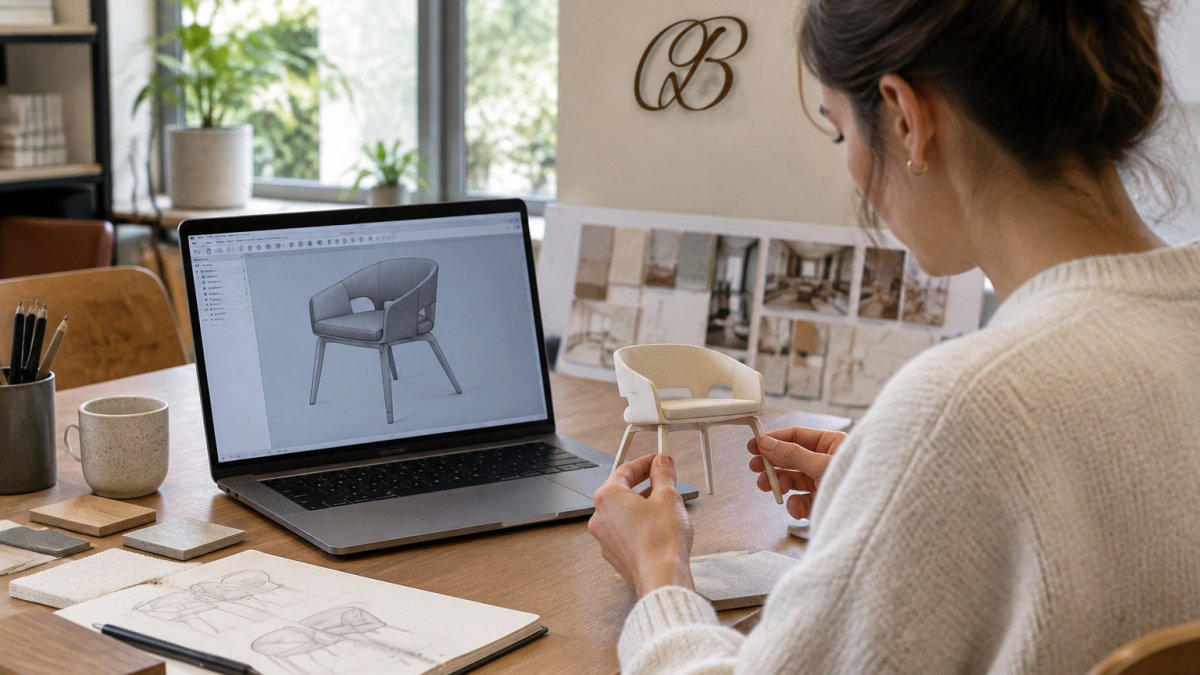
Interior designer reviewing project checklists on a laptop to save administrative time at a studio desk
Workflow 1: Client intake and project setup
Replace email-and-spreadsheet intake with a single form capturing project type, rooms, budget range, timeline, and decision-maker. Route submissions into a project record that auto-creates the folder structure, standard task list, and kickoff checklist.
Workflow 2: Approval and feedback reminders
Set a rule that starts a reminder sequence when a deliverable is sent for approval: a nudge at the agreed review date, a second two days later, then escalation to the project lead. Tie it to the deliverable record, not a person's inbox, the highest-leverage automation for most studios.
Get Started Today →
Workflow 3: Time tracking and invoicing
Connect time entries to project phases so billable and non-billable hours separate automatically. Generate a draft invoice from approved time and milestone completion, then route it for human review before sending.
Workflow 4: Project handoffs and file management
Define a handoff checklist that fires when a phase changes status, design development to construction documentation, for example. It can auto-assign the next owner, move files into the correct phase folder, and post a summary to the project channel.
Workflow 5: Supplier and specification follow-ups
For standard specification items, set reminders tied to order dates and lead times so follow-ups happen on schedule without a spreadsheet. Keep final quantity and specification approval manual.
Trade-offs and safeguards
Automation reduces overhead only if it does not create new overhead. Keep a human in the loop for client-facing decisions, final specifications, and anything financial or contractual, and document each workflow so it can be audited and handed over.
Watch out: stacking automations without an owner for each is a common failure mode; when a reminder misfires or a handoff rule breaks, no one notices until a client does.
Measuring whether automation worked
Use your audit baseline. After four to six weeks, compare average admin hours per person, the admin-to-total ratio, turnaround time, rework rate, and meeting load. A change is working if admin hours fall without project hours, quality, or client satisfaction getting worse.
CB Studio provides precision 3D CAD assets for interior design studios. Studios that want to see how this fits their workflow can explore CB Studio's project tools.
Booking Your First Admin Audit With Craft & Build
Once you have your category list, the next step is deciding what to change.
Craft & Build offers an inspection service for studios. You can also read how scaling an interior design business depends on the same workflow fixes covered here.
Pricing depends on your studio's size and needs, so contact Craft & Build for a current quote.
Frequently Asked Questions
What counts as administrative time for interior designers?
Administrative time is the non-project work that keeps a studio running: email, data entry, reporting, scheduling, approvals, reminders and document handling. Tagging this time by category makes it possible to see where the hours actually go and which tasks can be automated or delegated.
Which administrative tasks in a design business should be automated first?
Start with repetitive, rule-based work: reporting, approval reminders, recurring client updates and data entry for specifications and bills of materials. Decisions that require judgment should keep human review. Measure the time each task takes for two weeks before and after the change, so you can confirm whether the automation actually reduced administrative time rather than assuming it did.
Does interior design project management software reduce administrative time?
The effect depends on how completely your team adopts it and how well it fits your existing workflow. Craft & Build offers project management software for interior design studios, and pricing depends on your studio size and needs, so request a quote from the Craft & Build website for current costs. Compare the hours your team logs on admin before and after adoption to judge the result.
Get Started Today
Add craftnbuild.com as a preferred source on Google →
Written by Morten Skipper